View-relative coordinates
Measure a whole screen or a smaller panel. Each provider establishes its own coordinate space.
Coordinates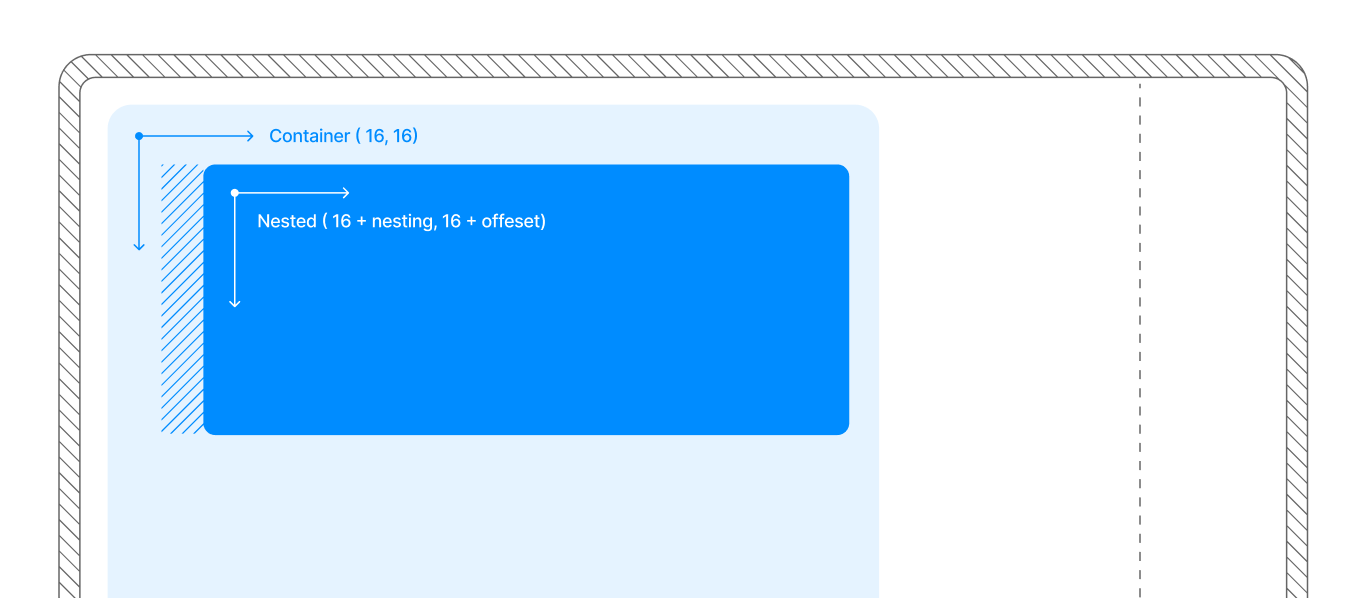
Get the bounds of folds, camera cutouts, and system UI on iOS and Android. Use them to keep content and controls clear.
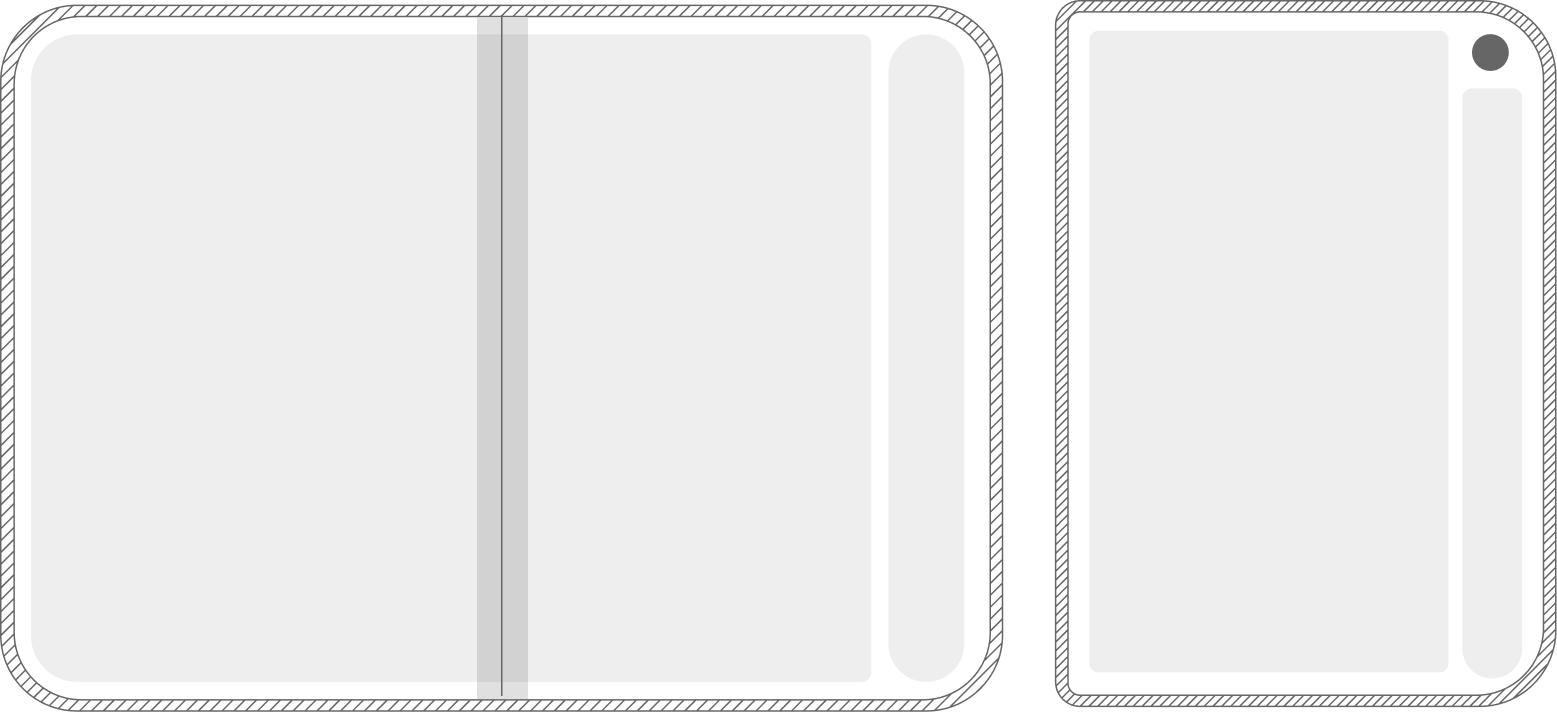
npm install react-native-reserved-regionsMeasure a whole screen or a smaller panel. Each provider establishes its own coordinate space.
CoordinatesA tagged union distinguishes divisions from occlusions. Divisions also tell you whether content is hidden.
API reference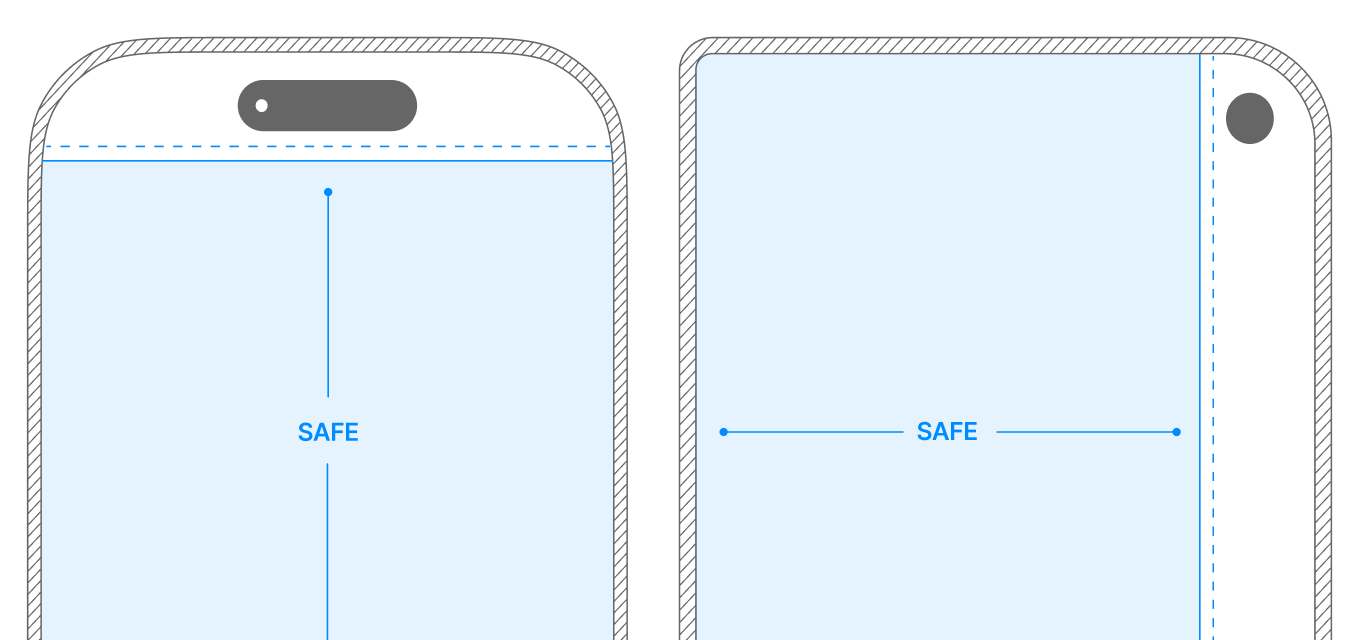
UIKit reserved regions and Android folding features share an API with documented platform differences.
Platform support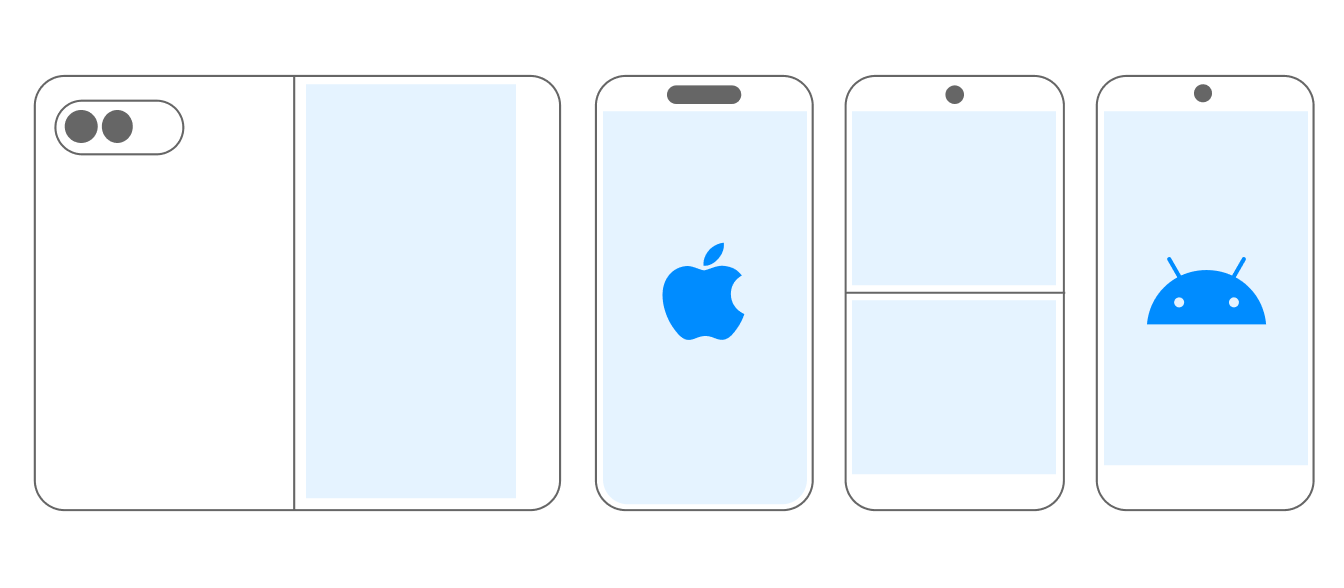
Wrap a view in ReservedRegionsProvider and read its regions with useReservedRegions. Pair region frames with safe area insets when your screen needs both edge spacing and information about its interior.
Learn moreconst regions = useReservedRegions();
for (const region of regions) {
if (region.kind === 'division') {
const hidden = region.occludesContent;
}
const { x, y, width, height } = region.frame;
}
Compare full-screen, inset, and content-box providers, with safe area insets alongside reserved regions.
 Example app ↗